List of PalmPay USSD Code (2026 Updates)
PalmPay’s USSD code can help you to send money, buy airtime, get a loan, and check your balance without the Internet.
The PalmPay USSD service is one of the most useful things they’ve built for their customers.
Their USSD works on any phone, be it big or small. With their USSD service, you don’t need an internet connection. No app required. Just your phone number, your PIN, and the code.
This article is going to break down everything you need to know about the PalmPay USSD code, including how to activate it, what you can do with it, etc.
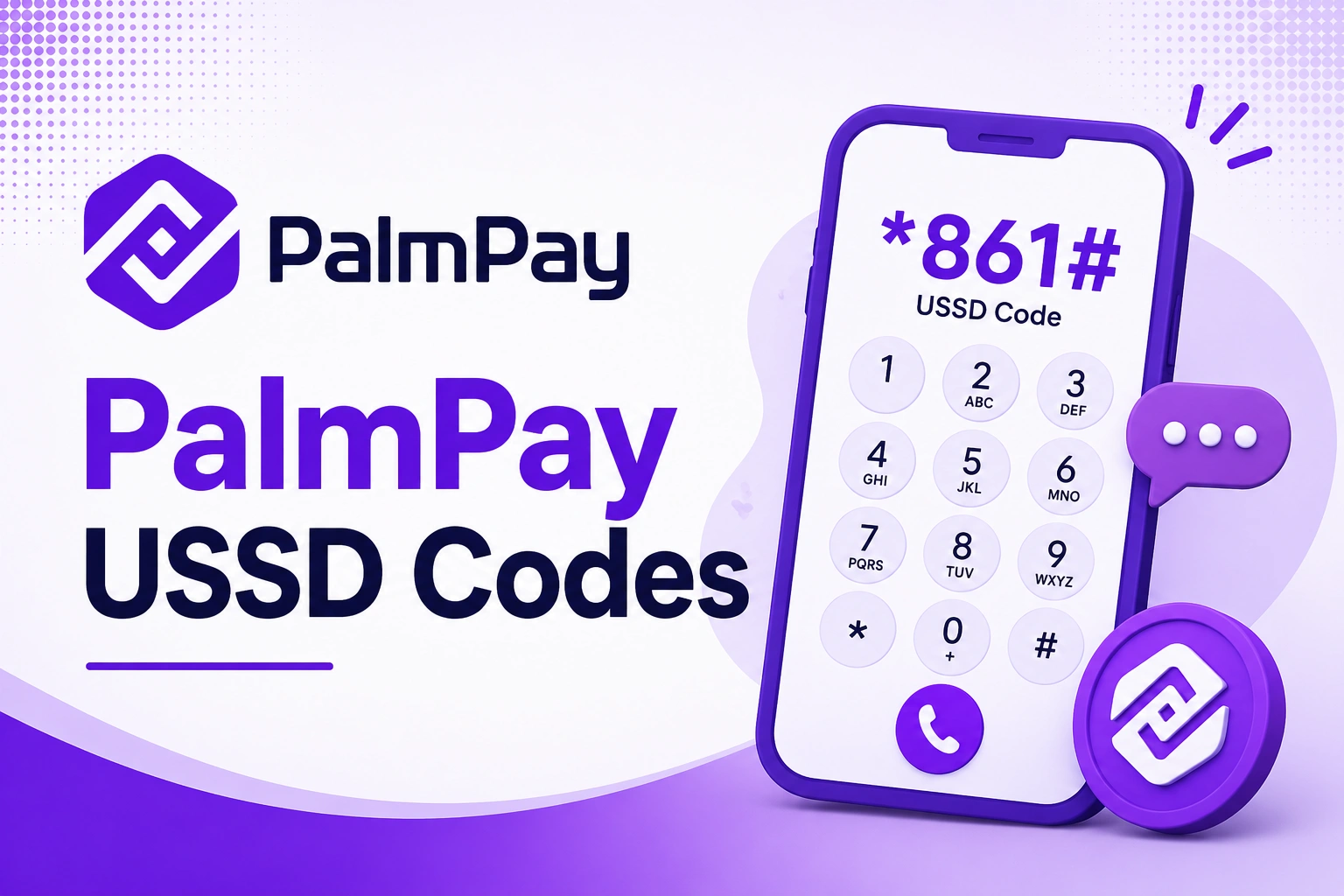
The Official PalmPay USSD Code
The official PalmPay USSD code is *861#.
Once you dial *861#, a simple text-based menu appears on your screen. Then you can then choose what you want to do.
PalmPay rolled out its USSD service in September 2024 to boost financial inclusion for all users.
What Can you do with the Code?
You can use the USSD Code to do the following:
- check your balance
- Transfer money
- Buy airtime
- Pay bills
- Freeze your account
- Change transaction pin
- Buy data
- Fund betting accounts
- Secure your account
- Open a Palmpay account
- Perform other transactions.
The USSD service works 24 hours a day and supports transactions between PalmPay and other bank accounts.
What you can’t do with the USSD Code
While this USSD Code can be use for transactions and security services, users cannot use it for the following:
- Complete full KYC/ID verification
- Upgrade your account tier
- Activate savings
- Access flexi
- View transaction histories
- Generate account statements,
- Claim reward coupons
- Change your transaction pin
- Manage betting accounts
- Update your profile details
Networks That Support PalmPay USSD Code
This USSD code works on all Nigerian networks. So whether you use MTN, Airtel, Glo, or 9mobile, the PalmPay USSD service is accessible to you without stress.
Remember, this code also works on any types of phones whether it’s smartphone, Android, iPhone, or just keypad phone.
What You Need Before You Can Use PalmPay USSD Code
Before you start using the USSD code, make sure these things are in place:
- Have PalmPay Account: You must have an active PalmPay account or you can use the USSD code to create one (that’s, if you don’t have any active PalmPay account linked to the mobile number you are using)
- Use Your Registered Phone Number: The SIM card you’re dialing from must be the same number linked to your PalmPay. You can use the USSD code to create an account if you don’t have any existing account linked to the mobile number you are using.
- Airtime on Your Phone: You’ll be charge a USSD session fee each time you use the USSD code
How to Activate PalmPay USSD Code
If this is your first time using PalmPay USSD, here’s how to set it up:
- Dial *861# on the phone number that is linked to your PalmPay account.
- Follow the pop up prompt to set up your 4-digit pin.
For users without account:
If you don’t have an account, you see this pop up message that says “Welcome to PalmPay! This phone number has not been registered for a PalmPay account. 1. Get a PalmPay account”
Type “1” into the response box and click on “send” to proceed.
On the next pop up, you’ll see another pop message that reads “PalmPay “Privacy Policy” and “Teams & Conditions” have been sent to you via SMS. Read and agree before proceeding. 1. agree” Type “1” into the response box and click on “send” to proceed.
See Also: PalmPay Customer Care Number and Offices in Nigeria
Full List of PalmPay USSD Codes and What They Do
Below is a complete list of PalmPay USSD codes and exactly what each one does:
1. Main Menu
Code: *861#
What you can do:
- Opens the full PalmPay USSD menu
- From here you can navigate to any service
- Works 24/7 on all networks
2. Transfer Money (To PalmPay or Any Bank)
Code: *861# then select Transfer, or dial 861*1# directly.
What you can do:
- Send money to another PalmPay user using their account number
- Send money to other bank account
3. Buy Airtime for Yourself
Code: *861*2*Amount#
Example: Dial *861*2*500# to recharge ₦500 airtime for yourself
What you can do:
- Top up your own line instantly from your PalmPay wallet
- Works for MTN, Airtel, Glo, and 9mobile
See Also: How to Convert Airtime to Cash on Palmpay
4. Buy Airtime for Someone Else
Code: *861*2*Amount*PhoneNumber#
Example: Dial *861*2*200*08012345678# to send ₦200 airtime to another number
What you can do:
- Recharge airtime for any phone number in Nigeria
- Works across all networks
5. Buy Data
Code: *861*3#
What you can do:
- Purchase data bundles directly from your PalmPay wallet
- Select your network provider, choose the data bundle you want, and confirm with your PIN.
- Works for all major Nigerian networks
6. Check Your Wallet Balance
Code: *861*5#
What you can do:
- Enter your PIN and your current balance will be displayed instantly.
- See how much money is in your PalmPay wallet without opening the app
7. Pay Bills
Code: *861# then select Pay Bills
What you can do:
- Pay bills by selecting from available services such as electricity, cable TV, or internet subscriptions.
- Pay DSTV, GOtv, Electricity bills, and other utility bills
8. Block/Freeze Your Account
Code: *861#, select Account Management, choose Lock Account, and enter your PalmPay login password to instantly disable transactions.
What you can do:
- Instantly freeze your PalmPay wallet if your phone is stolen or you suspect fraud
- Protects your money from unauthorized access
See Also: List of Loan Codes in Nigeria 2026
Summary Table: All PalmPay USSD Codes at a Glance
| Service | USSD Code |
|---|---|
| Open main menu | *861# |
| Transfer money | *861*1# |
| Buy airtime for yourself | *861*2*Amount# |
| Buy airtime for someone else | *861*2*Amount*PhoneNumber# |
| Buy data | *861*3# |
| Check wallet balance | *861*5# |
| Pay bills | *861# → Select Pay Bills |
| Block/secure account | *861# → Select Support |
FAQs
Is PalmPay USSD Code Safe to Use?
Yes as long as you follow basic security rules. PalmPay’s USSD service is PIN-protected and CBN-regulated, so the platform itself is secure. The main risk is you sharing your PIN or someone accessing your registered SIM.
Is there a charge for using PalmPay USSD?
Yes, a small airtime is charged per session. The charge is from your telecom network, not PalmPay directly.
Instructions
- Never share your USSD PIN with anyone. Not your friend, not “PalmPay customer care”. Nobody should have your PIN except you.
- If your phone is stolen, call PalmPay immediately on 02018886888 to freeze your account before the thief can access your wallet.
- Use a transaction PIN that isn’t obvious, not regular codes like 1234, 1111, 2222, or 0000, not your birth year.
See Also: List of OPay USSD Code in Nigeria
Conclusion
Set up your USSD PIN today inside the Palmpay app so you’re not stranded tomorrow. Because that day will come, the data will finish, the network will be acting up, and you’ll be glad you prepared.