How to Remove BVN from PalmPay Account
If you are using PalmPay and you are searching for how to remove your BVN from your Palmpay account, then you are definitely not the only one facing this concern.
We’ve received several requests from users asking about this, and after proper research, we have put together this detailed guide to help you on what to do and what not to do.
Whether you added your BVN to PalmPay by mistake, or you simply want to unlink it due to privacy reasons or for any other reason, this article will definitely handle your problem.
Without wasting your time, let’s get straight into it.
What is BVN and Why is it Linked to PalmPay?
By now, we believe you have already known that BVN means Bank Verification Number. It is a unique bank identification number in Nigeria that links all your bank accounts across all banks in Nigeria.
As a new user, when you create a fresh PalmPay account, you are required to provide your BVN for the following purposes:
- Confirm your identity (Part of KYC)
- Increase your transaction limits
- Increase your account balance limit
- Secure your account from fraudulent activities
- Connect your banking services across multiple banks for smooth interbanking experience
- Comply with CBN regulations as required of all Fintech and digital lenders
Once your BVN is linked, your account is automatically connected to your financial records across all existing banks that you have an account with.
Why You May Want to Remove BVN from PalmPay?
Some of the most common reasons why users may want to disconnect their BVN from their Palmpay account include:
1. Privacy Concerns
Many PalmPay Some users feel uncomfortable sharing their BVN because:
- Some don’t trust fintech banks yet
- Some believe BVN can be used to monitor their transactions
- Some are scared that BVN can grant access to their financial data
- Some are concern about possible security breaches
- Some believe that hackers can use BVN to gain access to accounts
But all these are not true…
2. Wrong BVN
Although this rarely happens, some users may face issues like:
- Incorrect BVN
- Another person’s BVN was used
Some users may mistakenly input the wrong BVN during registration and later want to correct or remove it.
3. Account Issues
Some users that their account has faced serious issues like restrictions, may consider unlinking their BVN.
How to Confirm if Your BVN is linked to your Palmpay Account?
Before you even think of unlinking your BVN from your Palmpay account, are you sure your BVN is even connected to Palmpay.
You should know that you can fully use Palmpay without linking your BVN, so don’t just assume that your BVN is linked without checking to confirm.
To check and confirm I your BVN is linked to your Palmpay account, follow these steps:
- Open your PalmPay app
- Tap on your profile picture at the top left side
- Tap on “KYC Levels”
- Check if your BVN is displayed
If part of your BVN digits are displayed, it means your BVN is linked, if not then it means it is not.
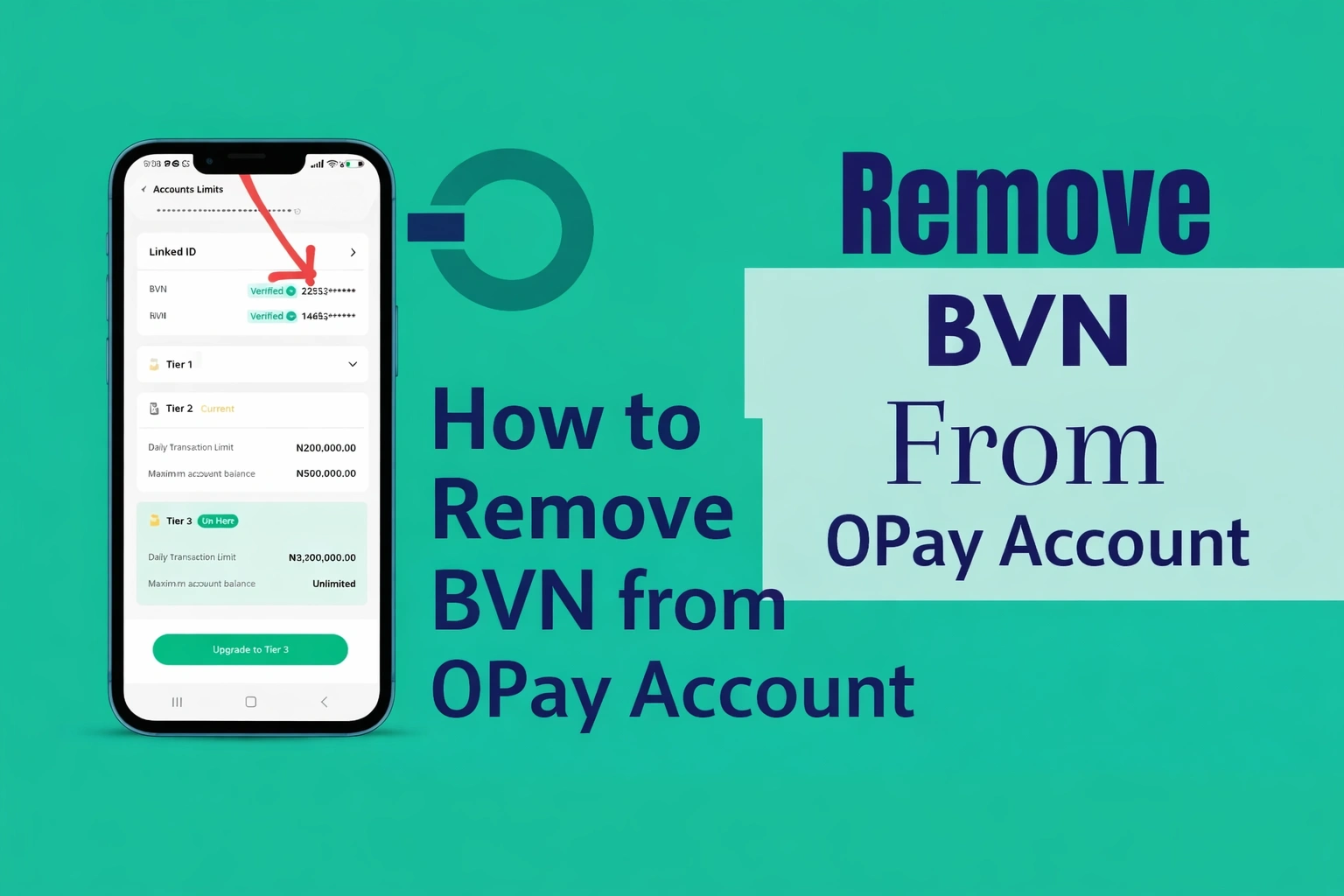
See Also: How to Remove BVN from OPay Account
Can Your Remove BVN from PalmPay?
You cannot directly remove your BVN from PalmPay in one click once it has been linked. This is because:
- BVN is used for identity verification and after the verification it is required that it remains permanently tied to your identity
- It is mandatory for all banks to verify your identity and link your BVN
- It is a compulsory requirement under CBN financial regulations
- Removing it may result in identity and security risks
However, there are still alternative solutions you can use to remove your BVN from Palmpay or any other banking app in Nigeria.
How to Remove BVN from PalmPay Account
Since direct removal of BVN is not available, below are some practical options that are available:
Option 1: Contact PalmPay Customer Support
This is the safest and most reliable method. If you have a genuine reason why you want to remove your BVN, their support team can assist you.
Steps to follow:
- Open your PalmPay app
- Go to the “Me” section
- Scroll down and select “Customer Service”
- Select the category of your issue or tap on the telephone 📞 icon to see their customer care contact number
- Clearly explain your issue and attach any necessary documents
You can also reach them through their official channels like email or helpline.
Information they’ll need from you:
- Your full name
- Phone number linked to your PalmPay account
- Clear explanation of the issue (e.g., wrong BVN linked)
Their support team will review your request and guide you accordingly.
Option 2: Close Your PalmPay Account
If you wish to completely remove your BVN, the only guaranteed way is to close your account entirely and this is an irreversible action
Once your account is deleted, your BVN will no longer be associated with that account because the account will not exist again.
Warning: Before you do this, withdraw all funds and ensure your balance is zero (if you leave any money inside then you won’t be able to access it again after you must have closed your account)
Steps to Close Your Account:
- Go to the “Me” section in the app
Tap on the settings icon - Scroll down to where you see “Close Palmpay Account”
- Tap on it then read the warnings that follows.
You will see the following warnings:
- You will no longer be able to log in and use this account.
- Your account, transaction history, bound NIN/BVN information, linked bank card data will be cleared.
- You will no longer be able to use cashbox and other savings services.
- You will voluntarily forfeit all unpaid dividends from your subscribed mutual funds.
- You will no longer be able to use Flexi and Cash Loan features.
- Your ATM card will be deactivated and unable to process transactions.
- Your points, coupons, and other benefits will be cleared.
- PalmPay Business services will no longer be accessible.
So you can actually see that they said this: “your account, transaction history, bound NIN/BVN information, linked bank card data will be cleared.” Meaning they’ll clear your BVN details from their database.
At this point, if you want proceed, tap on “I understand and agree with Account Closure Terms” and proceed then your account will be permanently terminated.
Option 3: Update your BVN
If the issue is an incorrect BVN, you don’t need to remove it completely, you don’t even need to close your account. Just follow these steps to correct it:
- Open your PalmPay app
- Go to the “Me” section
- Scroll down and select “Customer Service”
- Select the category of your issue or tap on the telephone 📞 icon to see their customer care contact number
- Provide your correct BVN and ask them to update it.
Or if you don’t want to wait for customer service, you can follow these steps to do it by yourself:
- Open your PalmPay app
- Tap on your profile picture at the top left side
- Tap on “KYC Levels”
- Tap on Update Information
- Read the information clearly and tap on “Update”
It will automatically fetch your correct BVN details from the bank you used in creating your BVN
Frequently Asked Questions (FAQs)
Can I unlink BVN from PalmPay?
You cannot directly unlink your BVN by yourself, but you can contact their customer service for assistance, you can update your BVN details via your profile or you can close your account and your BVN information will be cleared from their database.
Can I use PalmPay without BVN?
Yes, you can use Palmpay without BVN but you’ll face some limitations which may include lower transaction limits, lower account balance and you may not have access to some of their services .
See Also: Loan Apps Without BVN in Nigeria
Is it safe to link BVN to PalmPay?
Yes! Palmpay is a registered and regulated fintech in Nigeria. So as long as you use their official app, you can comfortably provide your BVN.
How long does it take to fix BVN issues?
It may take between few hours to days depending on the issue. Most times, you might need to visit the bank that you registered your BVN with.
See Also: PalmPay Loan: Interest Rates, Requirements, and How to Borrow
Conclusion
Removing BVN from a PalmPay account is not something you can do instantly. This is due to financial regulations in Nigeria.
However, you still have control over your situation. You can:
- Contact their customer service for assistance
- Update your BVN details via your profile
- Close your account and your BVN information will be cleared from their database.
It is advisable to follow the proper process and avoid shortcuts to stay safe.