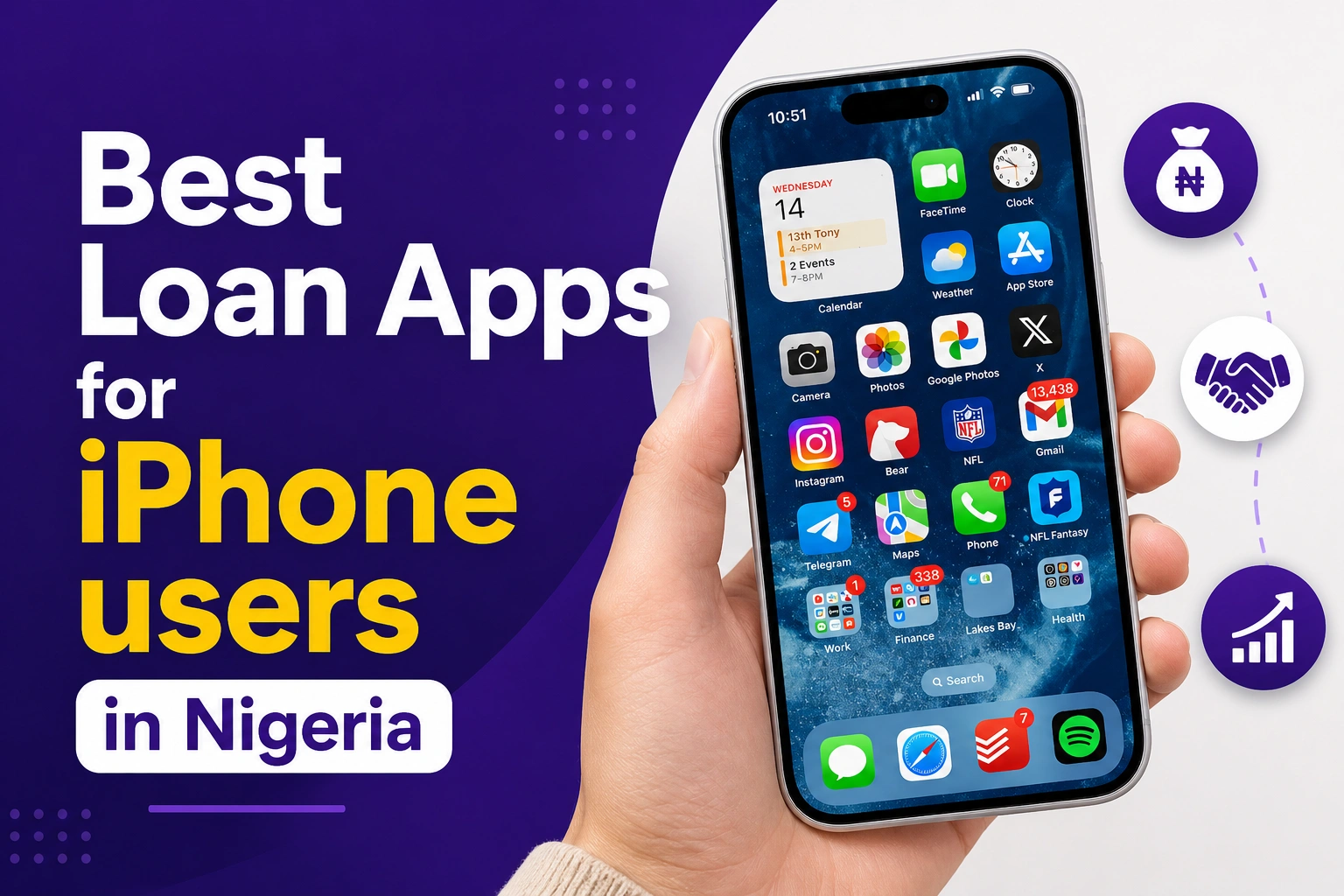
List of Loan App for iphone in Nigeria
There are different loan apps for iPhone in Nigeria for those who may not be able to use the android version of such apps.
Every loan app has to produce a different version for iphone users to be able to benefit from their services but unfortunately, not all loan apps in Nigeria actually have an iOS version.
Most iphone version of loan apps have slight difference in user interface from their android version but the loan terms and conditions always remain the same.
This article will explain some of the best loan apps for iPhone and iOS users and also compare their features to give you the insights that will help you to choose the best.
Most important, this article will also guide you on how to run any Android loan app on your iPhone using different methods that work.
Important Information for iPhone Users Before Borrowing
Please, if you want to stay safe from loan stress and issues, kindly read and understand the following important information before borrowing from any loan:
- Don’t borrow more than what you can pay
- Borrow only when you have a good source of income to repay on due date
- Loans are not grants, so don’t try to escape if you are owing
- CBN licensed loan apps have legal rights to activate auto deductions of overdue loans using GSI Recovery
- Check if the loan app is FCCPC-approved before installing to avoid using illegal apps
- Read the app’s privacy policy and understand before proceeding (very important)
- Most loan apps will ask for permission to access your contacts, photos, and SMS (proceed with caution)
- Compare interest rates across apps (some apps charges outrageous interest)
- Always check the total amount you will repay, not just the loan amount
- Check for hidden fees
- Failure to repay any loan may affects your credit score with Credit Bureaus
- Screenshot loan terms before accepting (some apps may change their terms later)
- Never you share OTPs, PINs, or passwords with loan app agents
- Late repayment can lead to higher daily penalty charges
- Always read the app reviews on App Store to see what others are saying about it
- Turn off unnecessary app permissions after the loan approval to avoid unnecessary access to your hidden data
Best Loan Apps for iPhone in Nigeria 2026

Below are some of the best FCCPC approved loan apps available on Apple App Store for iPhone users:
- FairMoney
- OKash
- Alend
- OPay (in-app access to Easemoni)
- PalmPay (in-app access to PalmCredit)
- ProLoan
- Hi Credit
- SureFund
- LendSafe
- KashMore
- Moniepoint (In-app Access to working capital and overdrafts loan offers)
- Kuda (In-app Access to working capital and overdrafts loan offers)
Loan App for iPhone Comparison
Take a look at this table to see a quick comparison of the above listed iPhone loan apps:
| App Name | Loan Amount | Tenure | Interest Rate |
|---|---|---|---|
| FairMoney | ₦1,500 – ₦1,000,000+ | 30 – 180 days | 2% – 30% monthly |
| OKash | ₦3,000 – ₦500,000 | 91 – 365 days | 0.1% daily (3% monthly+) |
| Alend | Up to ₦2,000,000 | 91 – 365 days | No fixed rate (Rates are risk-based) |
| OPay EaseMoni | ₦2,000 – ₦5,000,000 | Flexible | 5% – 10% monthly |
| PalmPay PalmCredit | ₦2,000 – ₦300,000 | 14 – 180 days | 4% – 24% monthly |
| ProLoan | ₦10,000 – ₦500,000 | 7 – 180 days | 10% – 36% monthly (typical) |
| Hi Credit | ₦5,000 – ₦300,000 | 7 – 90 days | 15% – 36% monthly |
| SureFund | Up to ₦500,000 | 30 – 180 days | 10% – 30% monthly |
| Tloan | ₦5,000 – ₦500,000 | 7 – 90 days | 10% – 36% monthly |
| LendSafe | ₦10,000 – ₦1,000,000 | 30 – 180 days | 5% – 30% monthly |
| KashMore | ₦5,000 – ₦200,000 | 7 – 60 days | 15% – 36% monthly |
| Moniepoint | Overdraft + ₦50,000 – ₦5,000,000+ business loans | 30 – 180 days+ | Risk-based (business/overdraft) |
| Kuda Bank | Overdraft + up to ₦5,000,000 (business) | 30 days+ / 6–12 months | 0.23% – 0.8% daily (overdraft) |
Note: The information presented in the table above is only valid as at the time of writing this article. While it may serve as a quick guideline, kindly verify each information before proceeding as they may change at anytime.
See Also: List of Loan Apps Banned and Delisted in Nigeria 2026
How to Run Android Loan App on iPhone
There are many good loan apps in Nigeria that are available for Android users but not available for iPhone users.
So this section will guide you on how to run Android apps on your iPhone using different methods:
Method 1: Screen Mirroring Method
- Install the app on Android phone
- Install a mirroring app on both the Android and your iPhone (e.g of mirroring app is AirDroid Cast)
- Now, connect the Android phone and your iPhone to one Wi-Fi
- Go to the app and Mirror the Android screen to iPhone
At this point, you can use your iPhone to control the app
Method 2: Android emulator method
- First of all sign up for a cloud based emulator service (most popular options are Appetize.io and LambdaTest)
- Upload the APK version of the Android loan app
- After uploading, you can launch and run the app on the cloud based emulator using your iPhone browser
Method 3: Use web version
- Open Safari or Chrome on your iPhone
- Go to the loan website
- Create an account
- Tap on ‘Share’ then tap on “Add to Home Screen”
At this point, your iPhone will automatically install the app version of the website to your home screen
How to Download and Install Loan Apps on iPhone
You can follow the same steps you use to install other iOS to install any loan app on your iPhone. To do this:
- Open your App Store or use visit this web version (https://apps.apple.com/ng/iphone/charts/6015)
- Tap Search
- Type the name of the loan app or just type “loan apps in Nigeria”
- Check the app you want and tap on the “Get” button
- Confirm with Face ID/Touch ID/Password to install the app
- Wait for installation to finish, then open the app
- Create an account with your phone number
- Verify your number with the OTP sent to your number
- Complete BVN/NIN and facial verification
- Link a bank account for disbursement
- Check your credit score and amount available for you
- Apply for loan
See Also: List of Loan App Without Credit Check in Nigeria 2026
Conclusion
As an iPhone user, you can easily access loan services from popular lending companies like OKash, FairMoney, Alen, Palmcredit and many more by simply installing their app from Apple Store.
But if there’s any particular Android loan app that you can’t find on Apple Store, you can use the methods above to run any Android app on your iPhone.